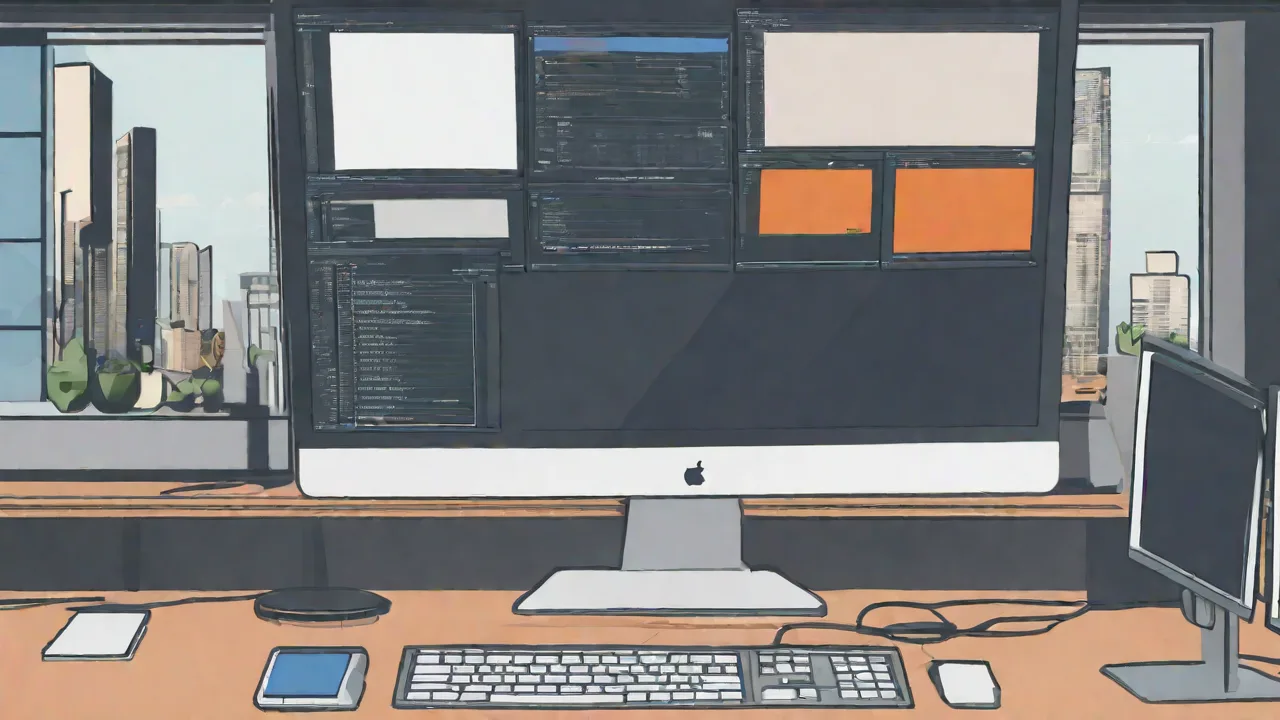
Tips for Synchronizing Multiple Monitors With Different Sizes and Resolutions
Using multiple monitors can greatly enhance productivity and multitasking. However, when these monitors have different sizes and resolutions, synchronization can become challenging. Here are some effective tips to help you set up and manage your multi-monitor workspace seamlessly.
Adjust Display Settings
The first step is to configure each monitor's display settings properly. On Windows, go to Display Settings and set the resolution for each monitor to match its native resolution. On macOS, access System Preferences > Displays to adjust resolution and scaling options.
Use Display Scaling
Since monitors have different physical sizes and pixel densities, scaling helps make content appear consistent across screens. Enable scaling options so that text and icons are proportionally similar, providing a uniform experience. This is especially useful when one monitor is 4K and another is Full HD.
Align Monitors Physically
Proper physical alignment reduces eye strain and makes navigation easier. Arrange your monitors so their top edges are level, and position them to minimize the need for head movement. Using monitor stands or mounts can help achieve a seamless setup.
Configure Multi-Monitor Software
Consider using third-party software tools that enhance multi-monitor management. Programs like DisplayFusion or UltraMon offer features such as synchronized wallpapers, window snapping, and custom profiles for different setups, making it easier to work across varied screens.
Customize Your Workflow
Design your workspace to leverage the strengths of each monitor. Assign specific tasks or applications to particular screens based on size and resolution. For example, use the larger monitor for main work and the smaller one for reference materials or communication tools.
Regularly Update Drivers and Software
Keep your graphics drivers and display management software up to date. Updates often include improvements for multi-monitor support, bug fixes, and new features that can enhance synchronization and performance.
Conclusion
Synchronizing multiple monitors with different sizes and resolutions requires careful setup and ongoing management. By adjusting display settings, using scaling, aligning physically, and employing specialized software, you can create a cohesive and efficient multi-monitor environment that boosts your productivity.