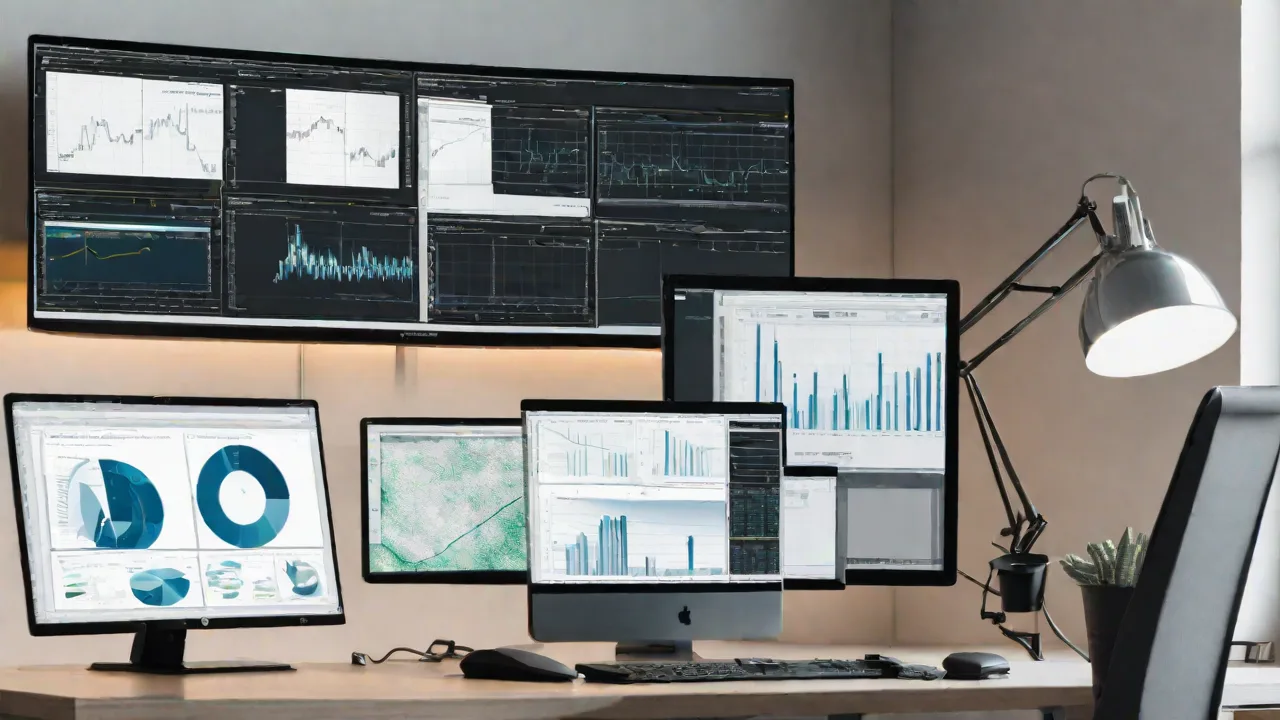
How to Set up a Multi-Monitor System for Data Analysis and Visualization
Setting up a multi-monitor system can greatly enhance your data analysis and visualization capabilities. With multiple screens, you can view more data at once, compare datasets side by side, and improve your workflow efficiency. This guide will walk you through the steps to set up a multi-monitor system effectively.
Choosing the Right Hardware
Before setting up your multi-monitor system, select appropriate hardware components. Consider the following:
- Monitors: Choose monitors with similar sizes and resolutions for a consistent viewing experience.
- Graphics Card: Ensure your graphics card supports multiple displays and has enough ports (HDMI, DisplayPort, DVI).
- Cables and Adapters: Gather the necessary cables and adapters compatible with your monitors and graphics card.
- Mounts or Stands: Decide if you want to mount monitors on a wall or use adjustable stands for flexibility.
Connecting Your Monitors
Connect each monitor to your graphics card using the appropriate cables. Power on the monitors and ensure they are recognized by your computer. You can verify this in your system's display settings.
Configuring Display Settings
Adjust your display settings to optimize your workspace. On Windows, right-click on the desktop and select Display Settings. On macOS, go to System Preferences > Displays. Here are some tips:
- Arrange Monitors: Drag and position the monitor icons to match their physical layout.
- Set Primary Display: Choose the monitor that will serve as your main workspace.
- Adjust Resolution: Ensure each monitor is set to its recommended resolution for clarity.
Optimizing Your Workflow
With your multi-monitor setup ready, you can organize your data analysis tools and visualization software efficiently. Consider the following tips:
- Use Multiple Desktops: Create virtual desktops to organize different projects.
- Arrange Windows: Keep your data spreadsheets on one screen and visualization dashboards on another.
- Utilize Shortcuts: Learn keyboard shortcuts to switch between monitors and desktops quickly.
Maintaining Your Multi-Monitor System
Regular maintenance ensures your setup remains functional and efficient. Keep your graphics drivers updated, clean your monitors regularly, and check connections periodically to prevent issues.
By following these steps, you can create a powerful multi-monitor system tailored for data analysis and visualization, boosting your productivity and insights.