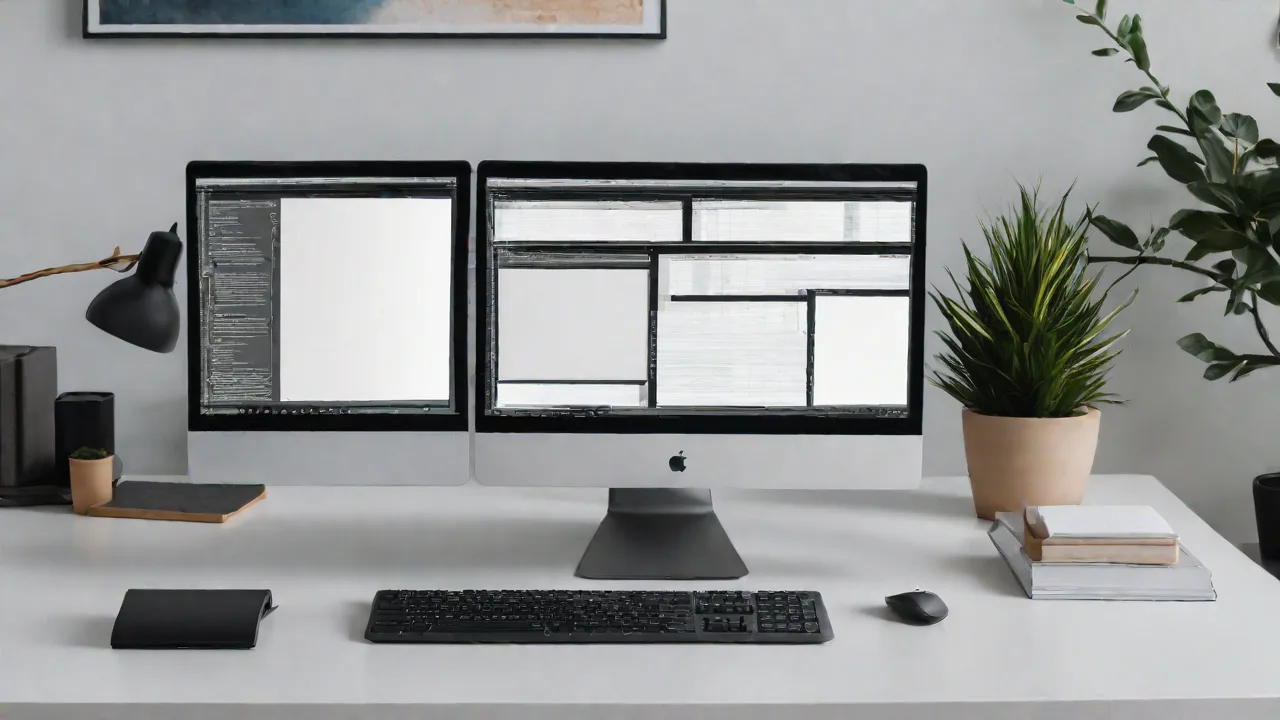
How to Maximize Desk Space With Vertical and Horizontal Monitor Arrangements
Maximizing desk space is essential for creating an efficient and comfortable workspace. One effective way to do this is by arranging your monitors vertically and horizontally. This approach not only saves space but also enhances productivity and ergonomics.
Benefits of Vertical and Horizontal Monitor Arrangements
Using both vertical and horizontal monitor setups offers several advantages:
- Space Efficiency: Vertical monitors take up less horizontal space, freeing up your desk surface.
- Improved Multitasking: Multiple screens allow for easier multitasking and better organization of open applications.
- Ergonomics: Proper arrangement reduces neck and eye strain, promoting better posture.
How to Arrange Your Monitors
Follow these steps to optimize your monitor setup:
- Determine your primary monitor: Usually, the one directly in front of you.
- Place the primary monitor horizontally: This is ideal for tasks like typing or reading documents.
- Position secondary monitors vertically: Useful for reading long emails, browsing code, or referencing documents.
- Adjust heights: Ensure all monitors are at eye level to prevent neck strain.
- Use monitor stands or mounts: These help in achieving optimal height and angle.
Additional Tips for Maximizing Space
Beyond monitor arrangement, consider these tips:
- Declutter your desk: Keep only essential items on your workspace.
- Use cable management: Tidy up cords with clips or sleeves to reduce clutter.
- Opt for compact accessories: Choose slim keyboards and mice to save space.
- Leverage wall space: Install shelves or wall-mounted organizers for additional storage.
Implementing these strategies will help you create a more organized, efficient, and ergonomic workspace, making the most of your desk space with vertical and horizontal monitor arrangements.