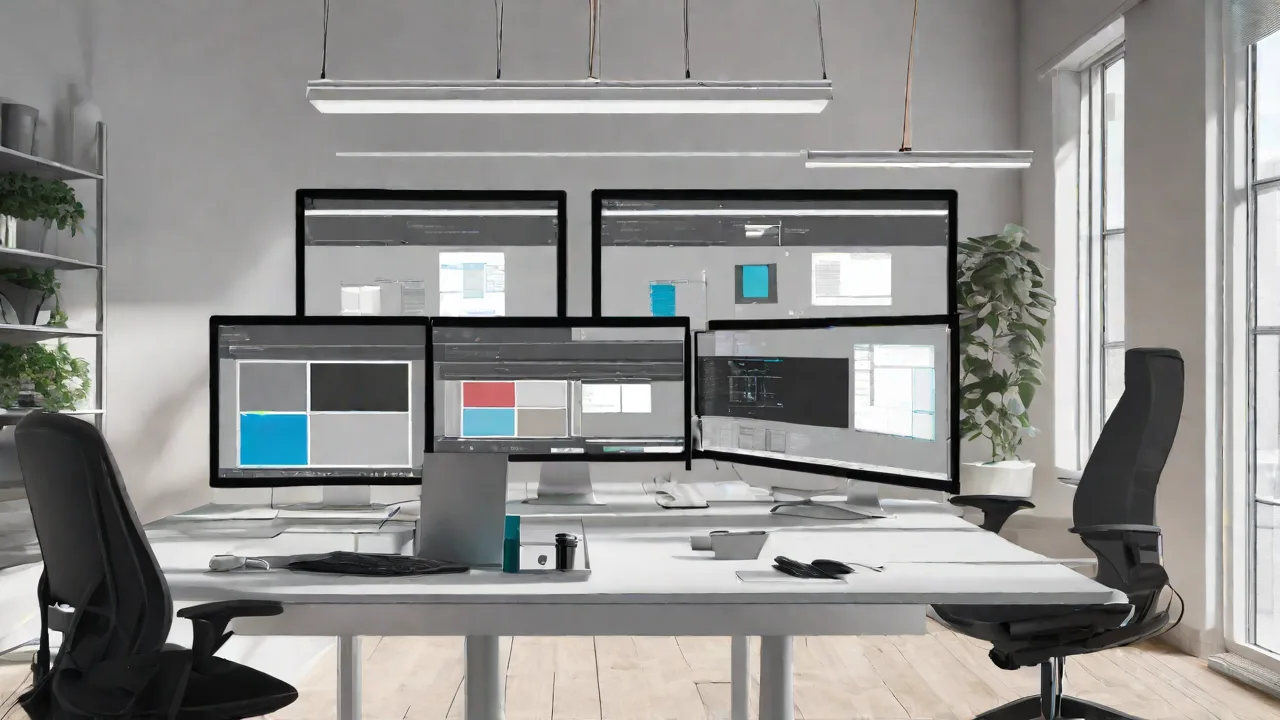
How to Design a Multi-Display Setup for Collaborative Work Environments
Designing an effective multi-display setup can significantly enhance collaboration in modern work environments. With the right configuration, teams can share information more easily, improve communication, and increase productivity. This guide provides key considerations and steps to create an optimal multi-display workspace.
Assessing Your Workspace Needs
Before selecting equipment, evaluate the specific needs of your team. Consider the following:
- The size of your workspace
- The number of team members involved in collaboration
- The types of tasks performed (e.g., presentations, data analysis)
- Available budget and existing infrastructure
Choosing the Right Displays
Select displays that match your needs. Factors to consider include:
- Size and resolution for clear visibility
- Connectivity options (HDMI, DisplayPort, wireless)
- Uniformity in display type for seamless viewing
- Durability and ease of maintenance
Configuring the Multi-Display Setup
Once you have selected your displays, arrange them for optimal collaboration. Common configurations include:
- Horizontal array: Displays lined up side-by-side for wide viewing angles.
- Vertical stack: Displays arranged vertically, suitable for presentations and detailed work.
- U-shaped or conference table setup: Multiple screens facing inward for group discussions.
Connectivity and Mounting
Ensure all displays are connected properly using compatible cables or wireless connections. Mount screens securely using adjustable mounts to allow flexibility in positioning.
Integrating Software and Hardware
Use software solutions that facilitate multi-display management, such as display splitters, video wall controllers, or collaboration tools. Hardware features like daisy chaining can simplify setup and reduce cable clutter.
Best Practices for Collaborative Environments
To maximize the benefits of your multi-display setup, consider these tips:
- Maintain consistent display settings for uniformity
- Use wireless keyboards and mice for flexibility
- Encourage team members to familiarize themselves with display controls
- Regularly update software and hardware to ensure compatibility
By carefully planning and configuring your multi-display environment, your team can enjoy a more dynamic, engaging, and productive workspace that fosters collaboration and innovation.