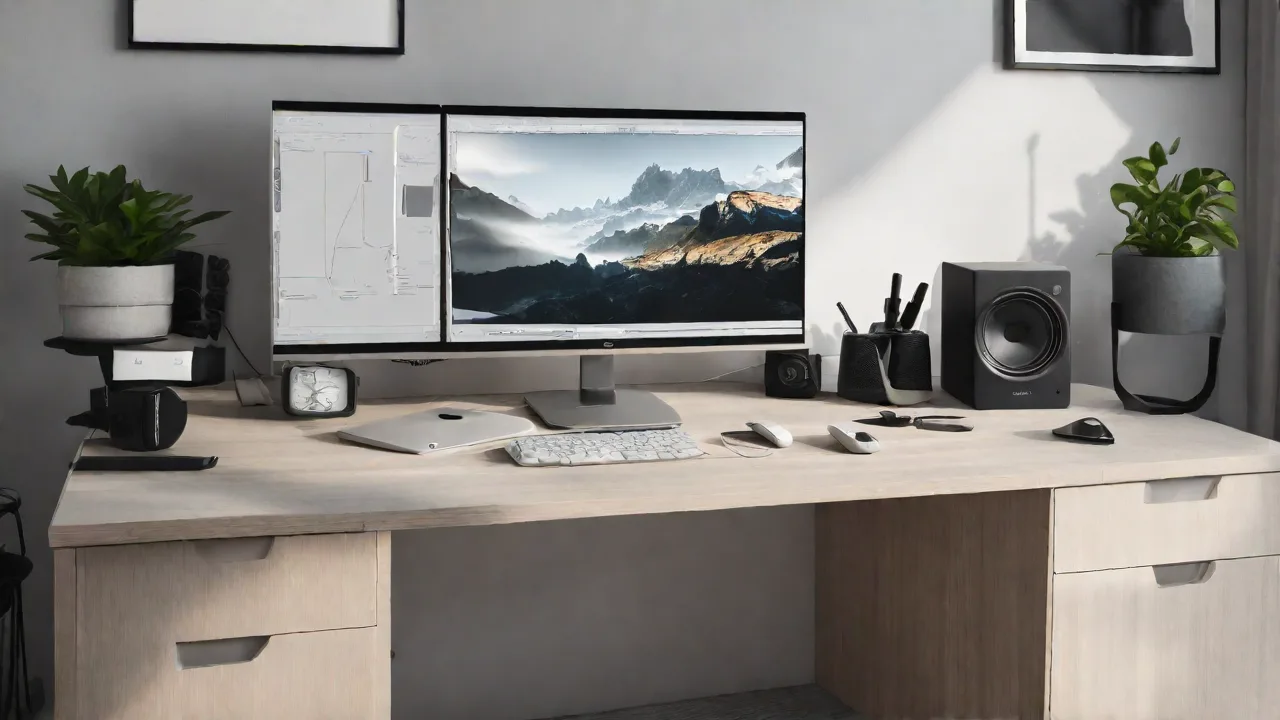
How to Create a Minimalist Multi-Monitor Setup Without Clutter
Creating a minimalist multi-monitor setup can significantly enhance your productivity and workspace aesthetics. The key is to balance functionality with simplicity, avoiding clutter while ensuring you have everything you need within easy reach.
Choosing the Right Monitors
Select monitors that complement each other in size and style. Opt for slim bezels and uniform designs to create a seamless visual flow. Consider monitors with adjustable stands to optimize ergonomics and reduce desk clutter.
Organizing Your Desk
Keep your desk clear of unnecessary items. Use monitor stands or mounts to elevate screens, freeing up space and reducing cable mess. Position your monitors in a slight arc for comfortable viewing and minimal clutter.
Managing Cables Effectively
Use cable management solutions such as clips, sleeves, or under-desk trays. Route cables neatly to avoid tangles and visual clutter. Wireless peripherals can also help maintain a clean workspace.
Optimizing Your Setup
Arrange your monitors for efficient workflow. Keep frequently used applications on the primary screen. Use consistent color schemes and minimalistic backgrounds to reduce visual noise.
Additional Tips for Minimalism
- Limit the number of peripherals on your desk.
- Choose sleek, cable-free accessories when possible.
- Regularly declutter your workspace to maintain minimalism.
By carefully selecting monitors, organizing cables, and maintaining a clean workspace, you can enjoy a minimalist multi-monitor setup that boosts productivity without the visual clutter.