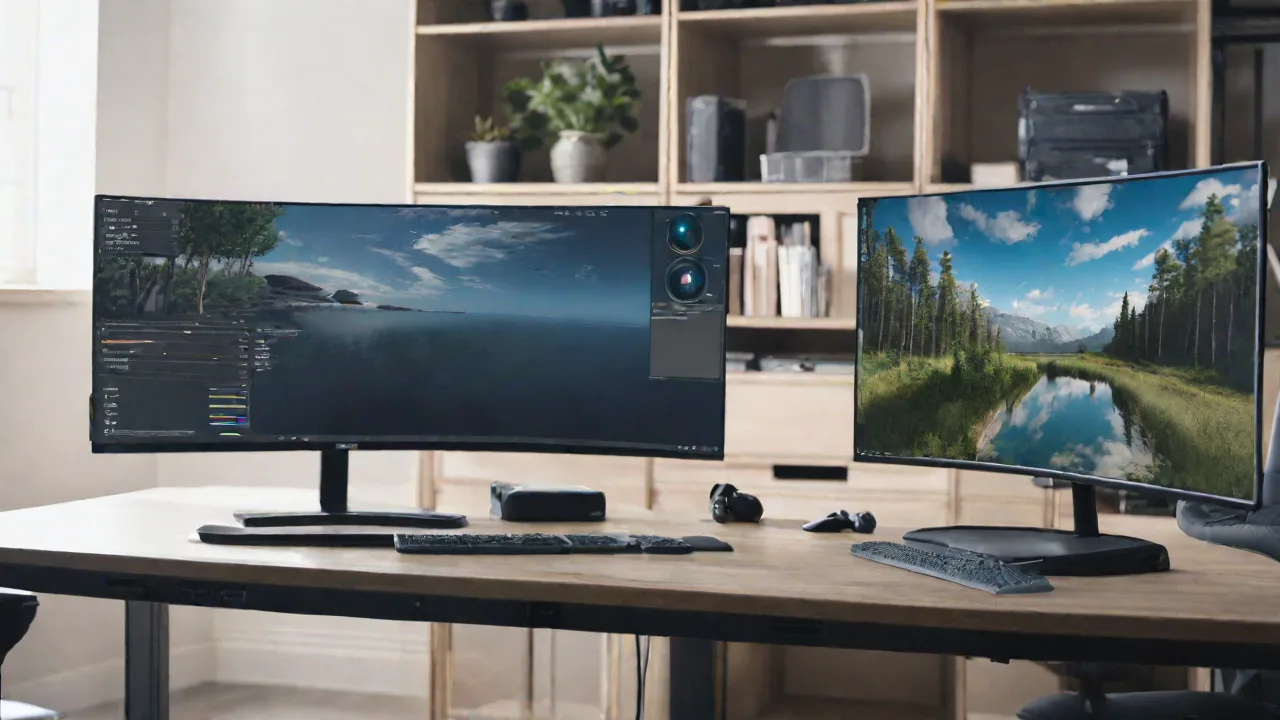
Best Monitors for Virtual Reality Development and Testing
Choosing the right monitor is essential for virtual reality (VR) development and testing. Developers need displays that offer high resolution, accurate color reproduction, and fast refresh rates to ensure their VR applications perform optimally. In this article, we explore some of the best monitors suited for VR development and testing.
Key Features to Consider
- High Resolution: A minimum of 4K resolution helps in detailed design and testing.
- Color Accuracy: Supports wide color gamuts like Adobe RGB for precise color matching.
- Refresh Rate: Faster refresh rates (at least 120Hz) reduce motion blur during testing.
- Connectivity: Multiple HDMI and DisplayPort options for compatibility with VR hardware.
- Screen Size: Larger screens (27 inches or more) provide better workspace for development.
Top Monitors for VR Development
Based on these features, here are some of the best monitors for VR development and testing:
1. ASUS ProArt Display PA278CV
This 27-inch monitor offers a 2560x1440 resolution with excellent color accuracy (Calibrated for 99% sRGB). Its wide color gamut and factory calibration make it ideal for color-sensitive VR development. It also features multiple connectivity options, including HDMI and DisplayPort.
2. Dell UltraSharp U2723QE
The Dell UltraSharp provides a 27-inch 4K UHD display with excellent color fidelity and a 60Hz refresh rate. It’s known for its sharp image quality and reliable performance, making it suitable for detailed VR testing.
3. LG UltraFine 27MD5KL-B
This 27-inch 5K monitor delivers stunning resolution and exceptional color accuracy, supporting the DCI-P3 color space. Its high resolution helps developers see fine details in their VR content.
Additional Tips for VR Development
When selecting a monitor, consider pairing it with a powerful graphics card capable of handling high resolutions and refresh rates. Regular calibration ensures color consistency, which is crucial for VR applications that rely on accurate visuals. Also, use multiple monitors if possible to expand your workspace and improve workflow efficiency.
Investing in the right monitor can significantly improve your VR development process, leading to better testing and more immersive virtual experiences.